
Single-Page Mode
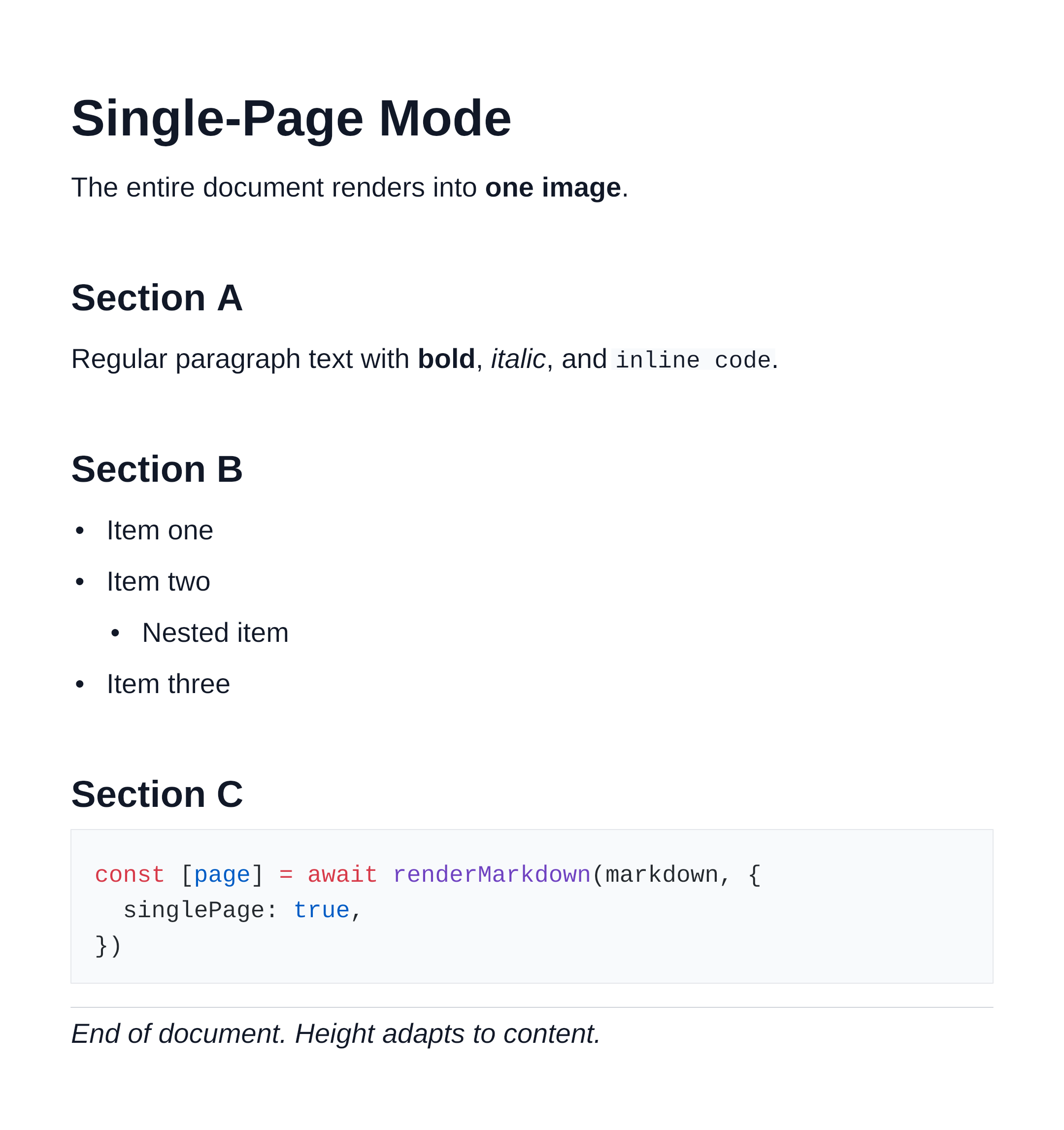
By default, renderMarkdown paginates content into multiple fixed-height images — one per page. The singlePage option changes this so the entire document is rendered into one image whose height grows with the content.
Usage
ts
import { renderMarkdown } from 'marknative'
import { writeFileSync } from 'node:fs'

const [page] = await renderMarkdown(markdown, { singlePage: true })

// Always exactly one page
writeFileSync('output.png', page.data)
Rendered output:
When to Use It
| Use case | Recommended mode |
|---|---|
| Social cards, preview thumbnails | singlePage: true |
| README badges or embeds | singlePage: true |
| Long documents, reports, ebooks | default (paginated) |
| Print-ready output | default (paginated) |
Height Cap
The single-page image height is capped at MAX_SINGLE_PAGE_HEIGHT (16 384 px) to prevent runaway memory allocation. Content that extends beyond this limit is clipped.
ts
import { MAX_SINGLE_PAGE_HEIGHT } from 'marknative'

console.log(MAX_SINGLE_PAGE_HEIGHT) // 16384
For a standard 794 px page width at 2× PNG scale, 16 384 px is roughly equivalent to 33 A4 pages of content.
Comparing Modes
ts
const markdown = longDocument

// Paginated (default) — multiple pages
const pages = await renderMarkdown(markdown)
console.log(pages.length) // e.g. 5

// Single image — always 1 page
const [single] = await renderMarkdown(markdown, { singlePage: true })
console.log(single.page.height) // e.g. 3820