
Image Rendering
marknative supports rendering block-level images in Markdown. Images are fetched and drawn using the native canvas backend.
Syntax
Standard Markdown image syntax:
Supported Sources
| Source | Example |
|---|---|
| HTTP / HTTPS URL | https://example.com/image.png |
| Local absolute path | /home/user/images/photo.jpg |
file:// URL | file:///home/user/photo.png |
<!-- Remote image -->

<!-- Local file -->
Layout
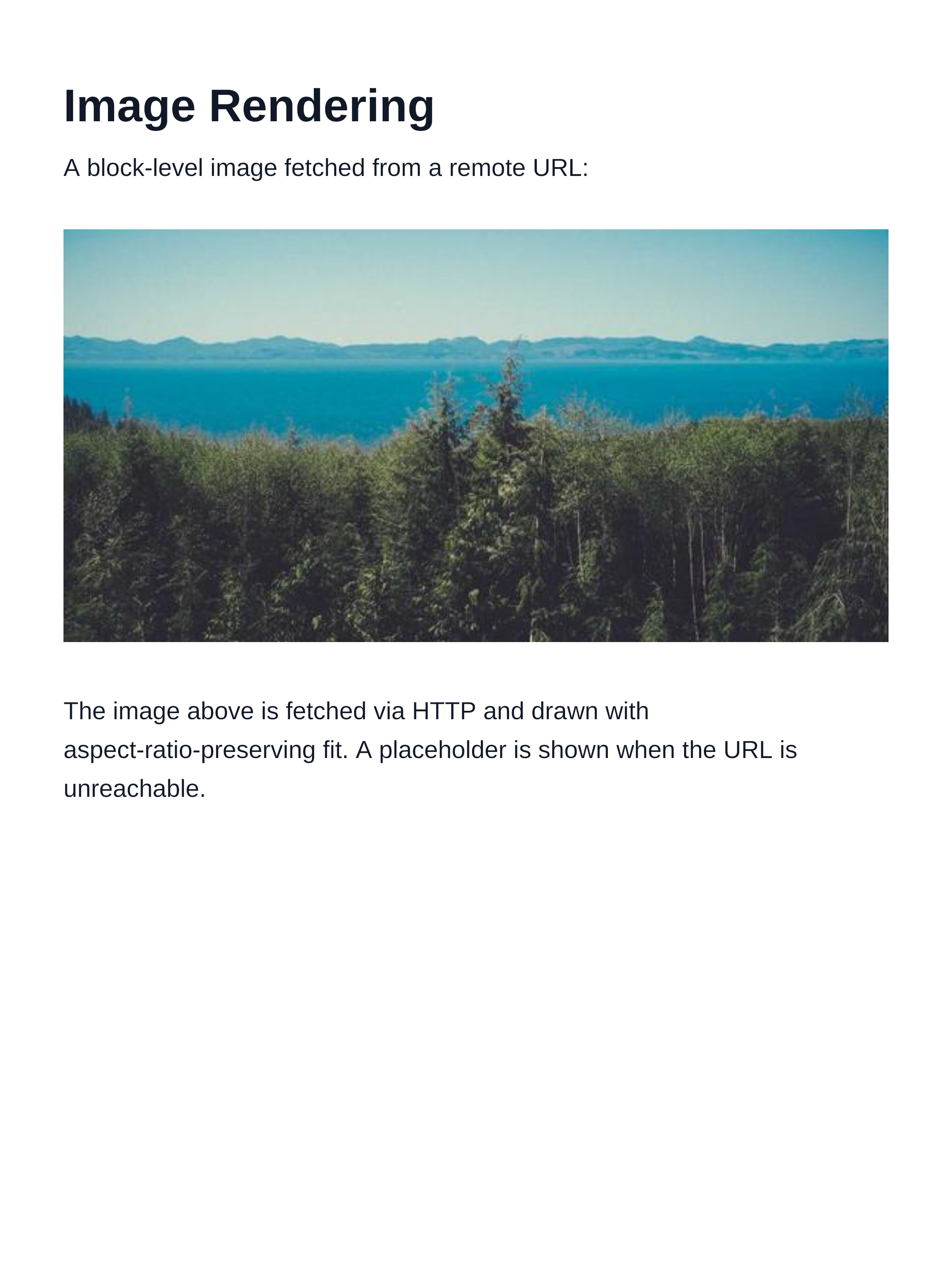
Block images are placed as atomic fragments — they are never split across pages. The image is scaled to fit inside the layout box while preserving its aspect ratio (object-fit: contain).
Rendered output:
Fallback
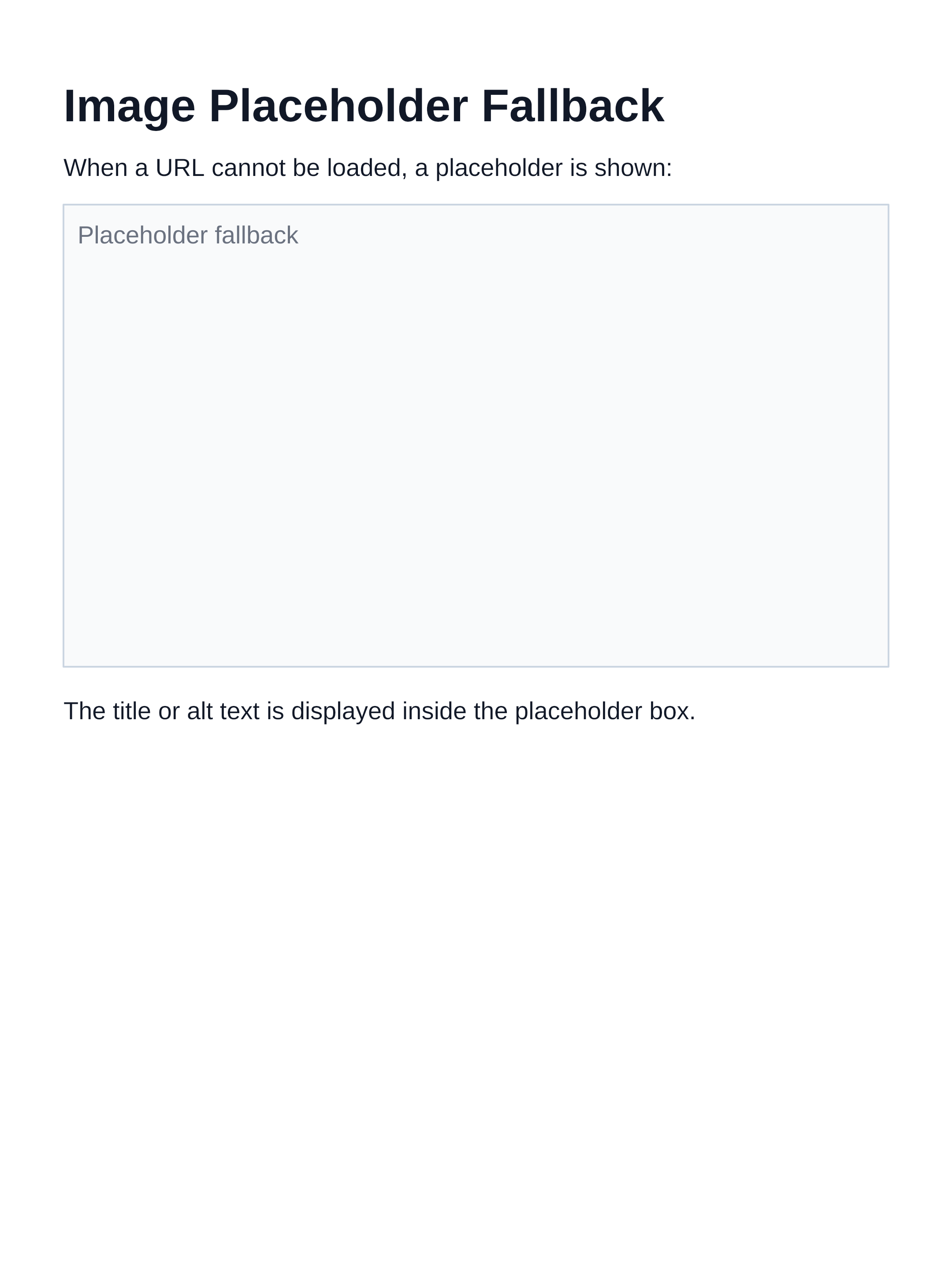
If an image cannot be loaded (network error, 404, unsupported format), a placeholder box is rendered in its place, showing the image title or alt text.
<!-- This will show a placeholder if unreachable -->
Placeholder output:
Inline Images
Inline images ( inside a paragraph) are currently rendered as their alt text in the text flow. Full inline image rendering is not yet supported.
Supported Formats
marknative relies on skia-canvas for image decoding. The following formats are supported:
- PNG — including transparency
- JPEG / JPG
- WebP
- GIF (first frame only)
- BMP
SVG images are not currently supported.