Getting Started
Overview
marknative takes Markdown text and renders it into paginated PNG or SVG images — without a browser, Chromium, or DOM.
The rendering pipeline:
Markdown source
  → parse (CommonMark + GFM + math)
  → typed document model
  → block & inline layout engine
  → pagination
  → native 2D canvas painting
  → PNG / SVG
Installation
npm install marknativebun add marknativepnpm add marknativeNative dependency: marknative uses
skia-canvasas its paint backend. Prebuilt native binaries are bundled for macOS, Linux, and Windows — no additional setup is needed.
Node.js / Bun API
import { renderMarkdown } from 'marknative'

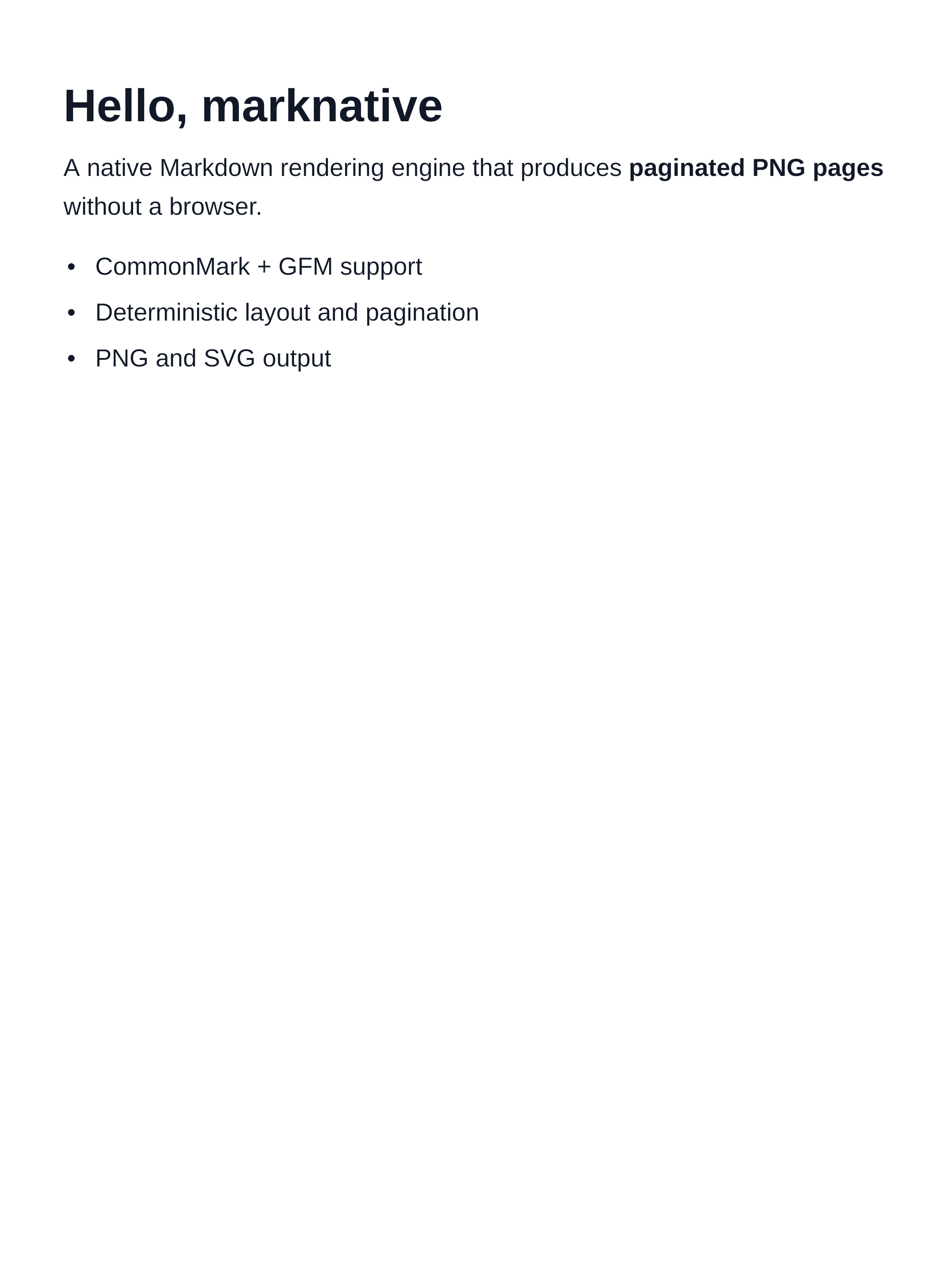
const markdown = `
# Hello, marknative

A native Markdown rendering engine that produces **paginated PNG pages**
without a browser.

- CommonMark + GFM support
- LaTeX math via MathJax
- Syntax highlighting via Shiki
`

const pages = await renderMarkdown(markdown)

console.log(`Rendered ${pages.length} page(s)`)

for (const [i, page] of pages.entries()) {
  // page.format === 'png', page.data is a Buffer
  await Bun.write(`page-${i + 1}.png`, page.data)
}
Each element of pages is a RenderPage object with a format field and a data field.
Rendered output:
CLI
marknative also ships as a command-line tool — no code required.
# Render next to the source file → page-01.png, page-02.png …
marknative README.md

# Write to a directory
marknative README.md -o out/

# Dark theme, single image
marknative README.md -t dark --single-page -o preview.png

# JSON output (for scripts and agents)
marknative README.md --json
# → {"pages":[{"index":1,"path":"/abs/path/README-01.png","format":"png"},…]}

# Pipe from stdin
cat notes.md | marknative -o preview.png
See the full CLI Reference for all options.
SVG Output
Pass format: 'svg' to get SVG strings instead of PNG buffers:
const pages = await renderMarkdown(markdown, { format: 'svg' })

for (const [i, page] of pages.entries()) {
  await Bun.write(`page-${i + 1}.svg`, page.data as string)
}
SVG renders at ~6 ms/page (vs ~99 ms for PNG) because it skips rasterisation.
Single-Image Output
Use singlePage: true to render the entire document into one image instead of paginating:
const [page] = await renderMarkdown(markdown, { singlePage: true })
await Bun.write('output.png', page.data)
See Single-Page Mode for details.
Math and Code Highlighting
Math and syntax highlighting work out of the box:
const pages = await renderMarkdown(`
## Euler's identity

$$
e^{i\\pi} + 1 = 0
$$

The Fourier transform $\\hat{f}(\\xi) = \\int f(x)\\,e^{-2\\pi ix\\xi}\\,dx$ generalises this idea.

\`\`\`python
import numpy as np
def dft(x):
    N = len(x)
    n = np.arange(N)
    return np.exp(-2j * np.pi * n.reshape(N,1) * n / N) @ x
\`\`\`
`)- Math uses MathJax and is rendered lazily (first call adds ~180 ms cold-start).
- Code highlighting uses Shiki and auto-detects a theme from the page background.
Requirements
- Node.js ≥ 18 or Bun
- Prebuilt
skia-canvasbinary (bundled automatically)
Next Steps
| CLI Reference | All CLI flags, output modes, JSON manifest |
| Render Options | format, scale, theme, codeHighlighting, … |
| Themes | Built-in themes, partial overrides, gradient backgrounds |
| Math Rendering | LaTeX support, mixed content, color theming |
| Performance | Benchmarks, cold-start, tuning recommendations |
| API Reference | Full TypeScript API documentation |