Render what is visible
Virtual queue, history, and gallery views. List thumbnails up to 512 px, with a 64 MiB decoded-cache budget.
Review imported images in the queue and find completed uploads in the library. Adjust storage and processing options in settings.
Switch between grids and lists. Search names, storage providers, and links; enlarge previews and copy results.
Read the desktop guide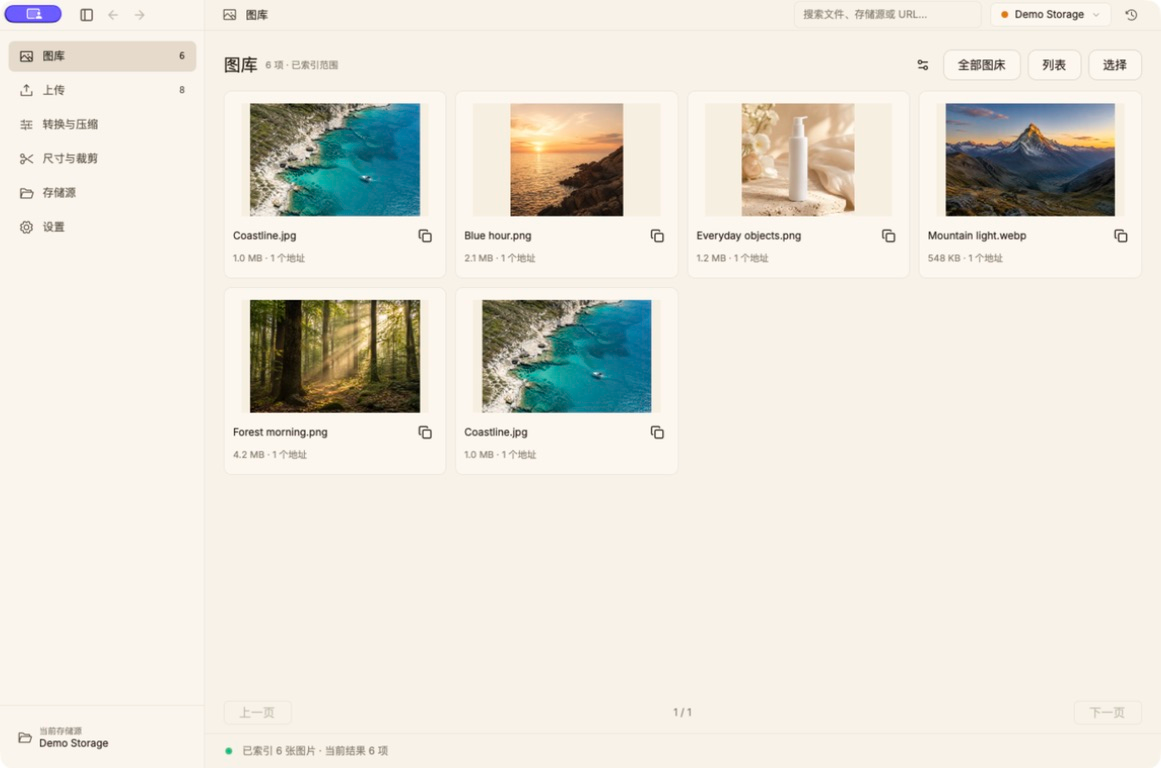
Manual imports wait for Upload. Concurrency, pause, cancel, retry, and server confirmation keep each image’s state clear.
Read the desktop guide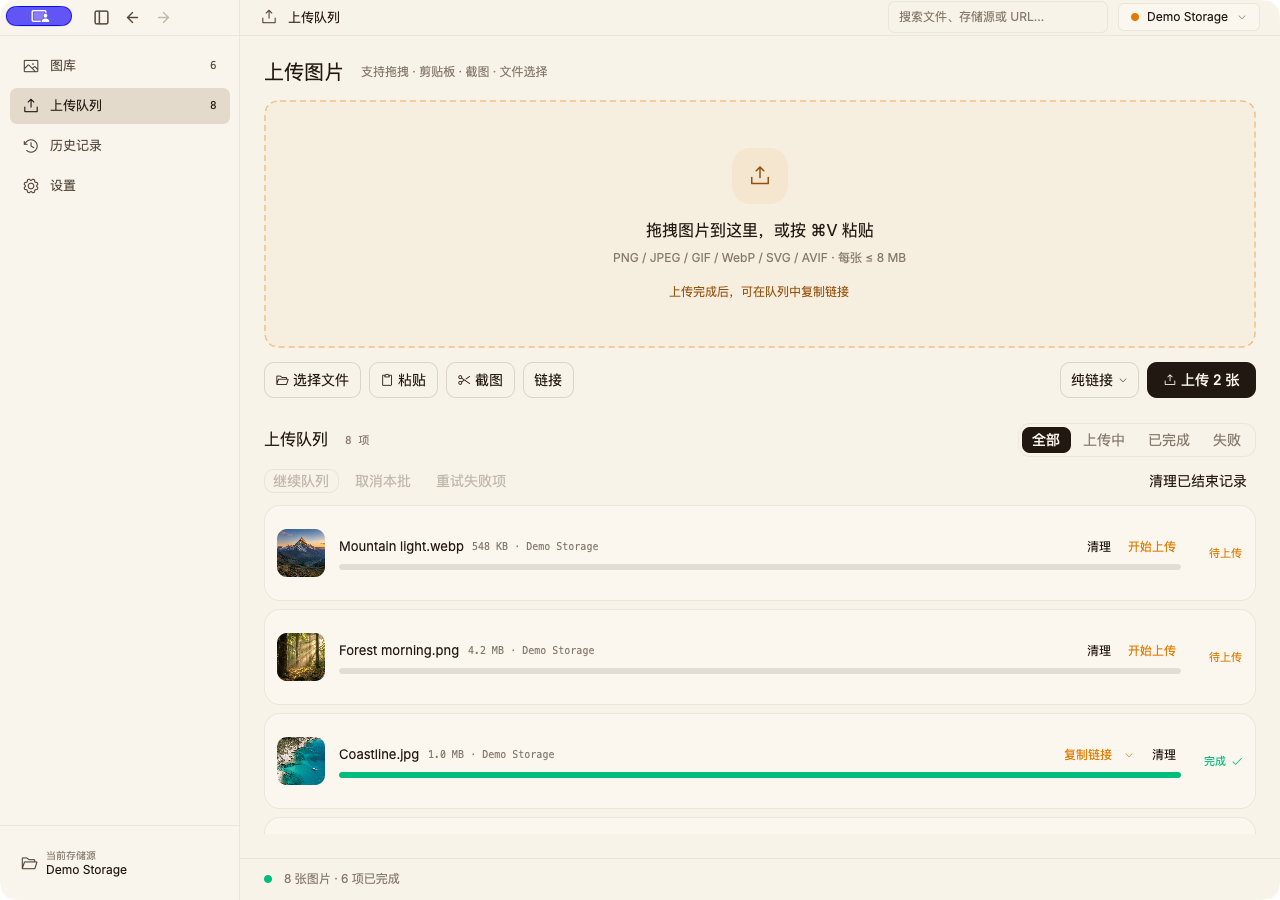
Convert, compress, resize, and crop. Preview the actual result and adjust parameters, then save, copy, or upload. No storage setup needed.
Read the desktop guide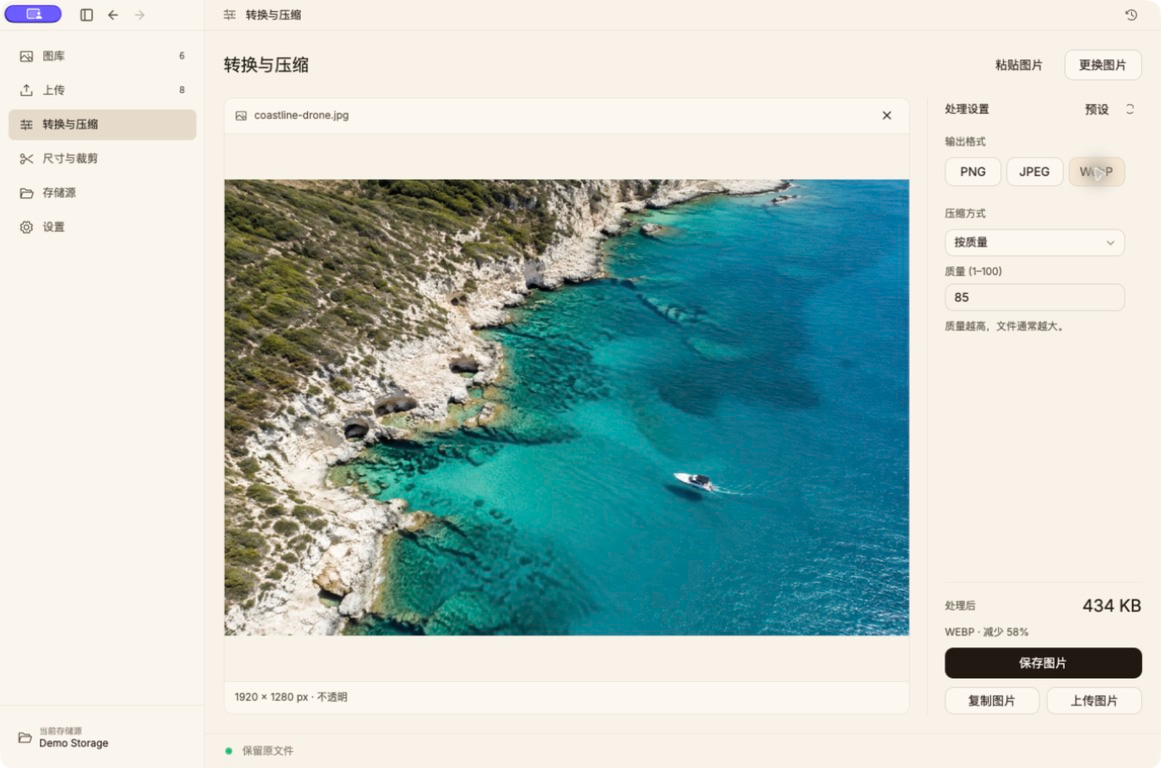
Virtual queue, history, and gallery views. List thumbnails up to 512 px, with a 64 MiB decoded-cache budget.
Queue changes save in order in the background, with two recent valid backups. Recover a damaged queue before uploading.
PNG/JPEG optimization, maximum-width resizing, and JPEG EXIF/GPS removal. Your originals stay intact.
A menu bar entry on macOS, plus global shortcuts and batch notifications across platforms. Global shortcuts on Linux require X11.
The standalone and bundled CLI share an implementation. No extra Node.js, Go, or Rust runtime after installation.
Connect directly to your R2, S3, OSS, GitHub, or HTTP service. New desktop credentials are stored in macOS Keychain.