Import images
Drop files, paste an image, or import a URL. In the main window, imports wait until you are ready.
img upload photo.png --provider r2Manage your image storage, edit images, and bring links back to your documents.
Native desktop, standalone CLI, and Agent Skill with shared storage configuration.
Available for macOS, Windows, and Linux
$ img photo.png --format markdown --copy
✓ photo.png → your storage
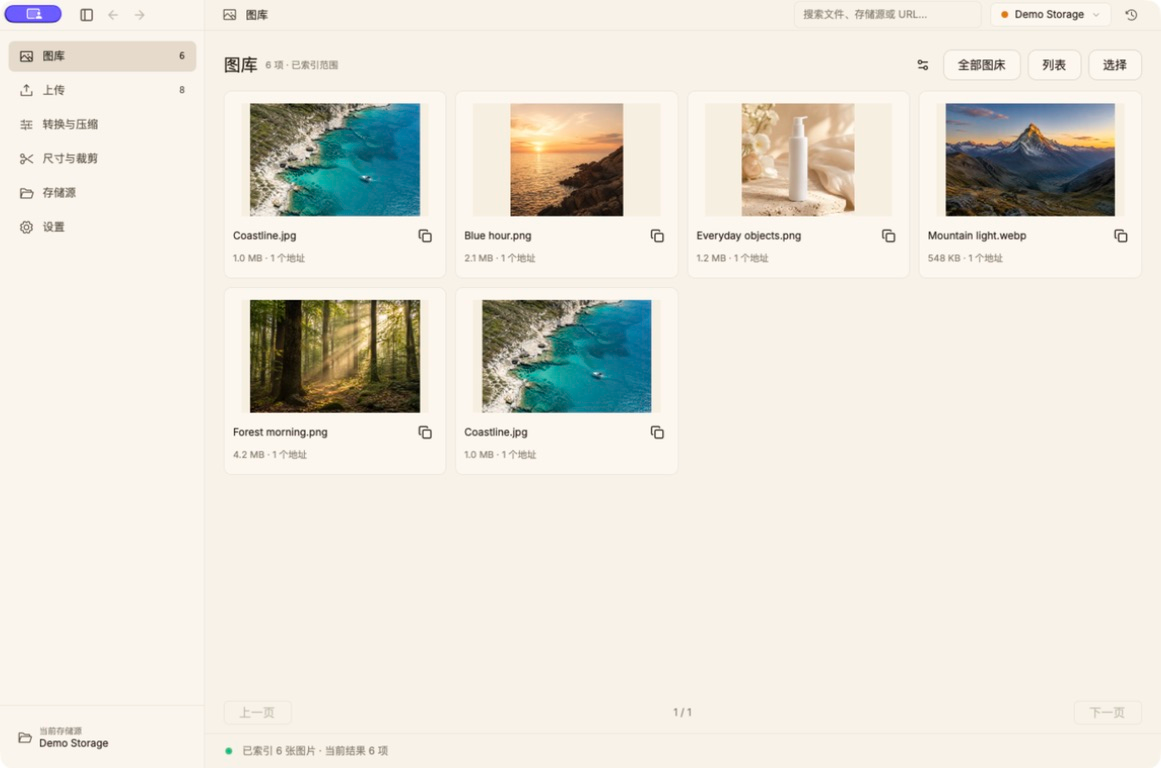
macOS desktop with demo data. Terminal shows an example command.
A 47-second tour of the library, image tools, and native CLI.
Real macOS interface with demo data. Chinese titles, English captions, music, no narration.
GUI package, CLI included
0.4.0 · macOS ARM64 · DMGStandalone CLI archive
0.4.0 · macOS ARM64 · tar.gzNative desktop and standalone CLI
macOS · Windows · LinuxManage batch uploads in the app, or upload clipboard images and screenshots with a shortcut. Links are copied when uploads complete.
Drop files, paste an image, or import a URL. In the main window, imports wait until you are ready.
img upload photo.png --provider r2Choose storage and processing options, then upload. Pause, resume, or retry when you need to.
img upload photo.png --optimize --resize 1600After uploading, copy links automatically as URLs, Markdown, or HTML and paste them into your document.
img upload photo.png --format markdown --copy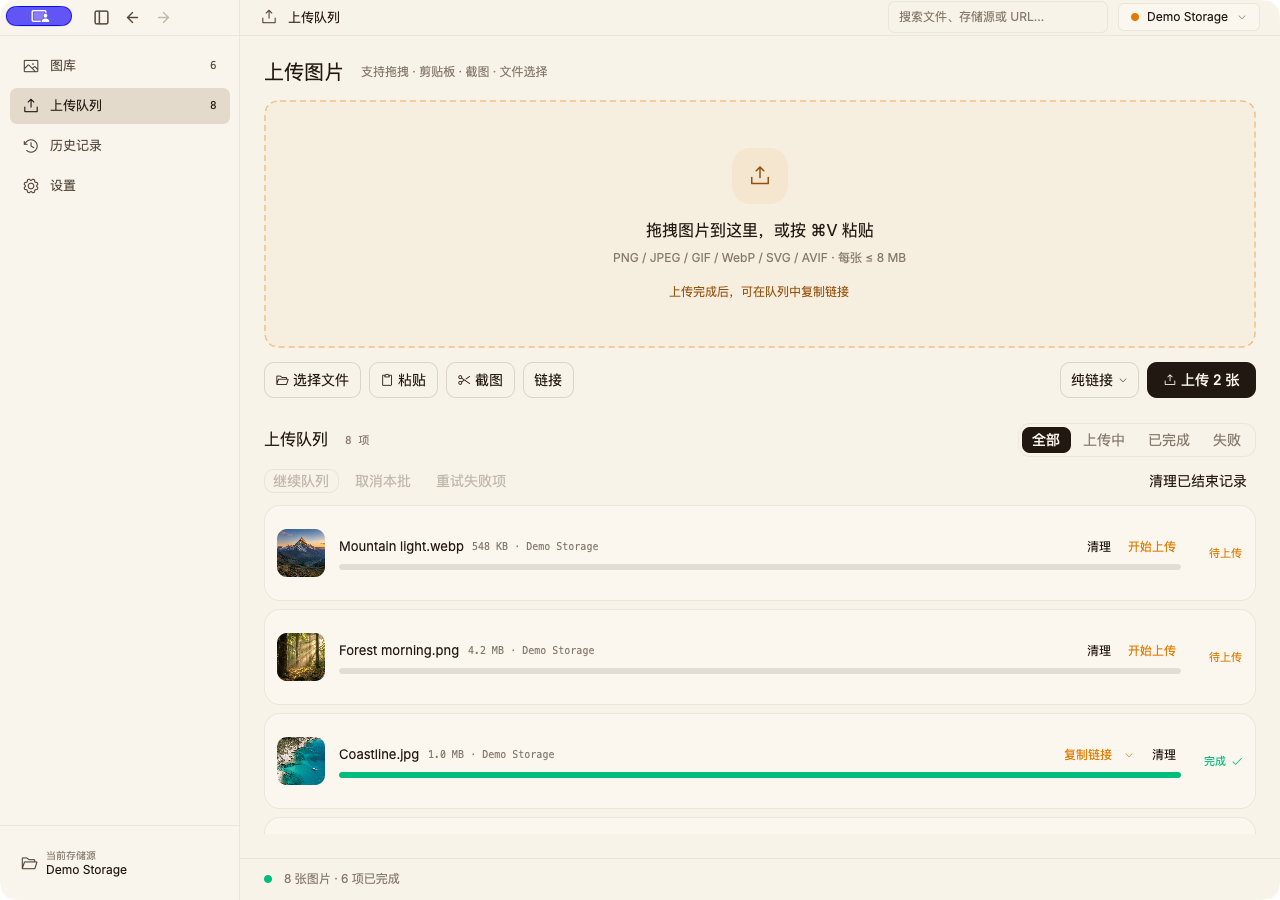
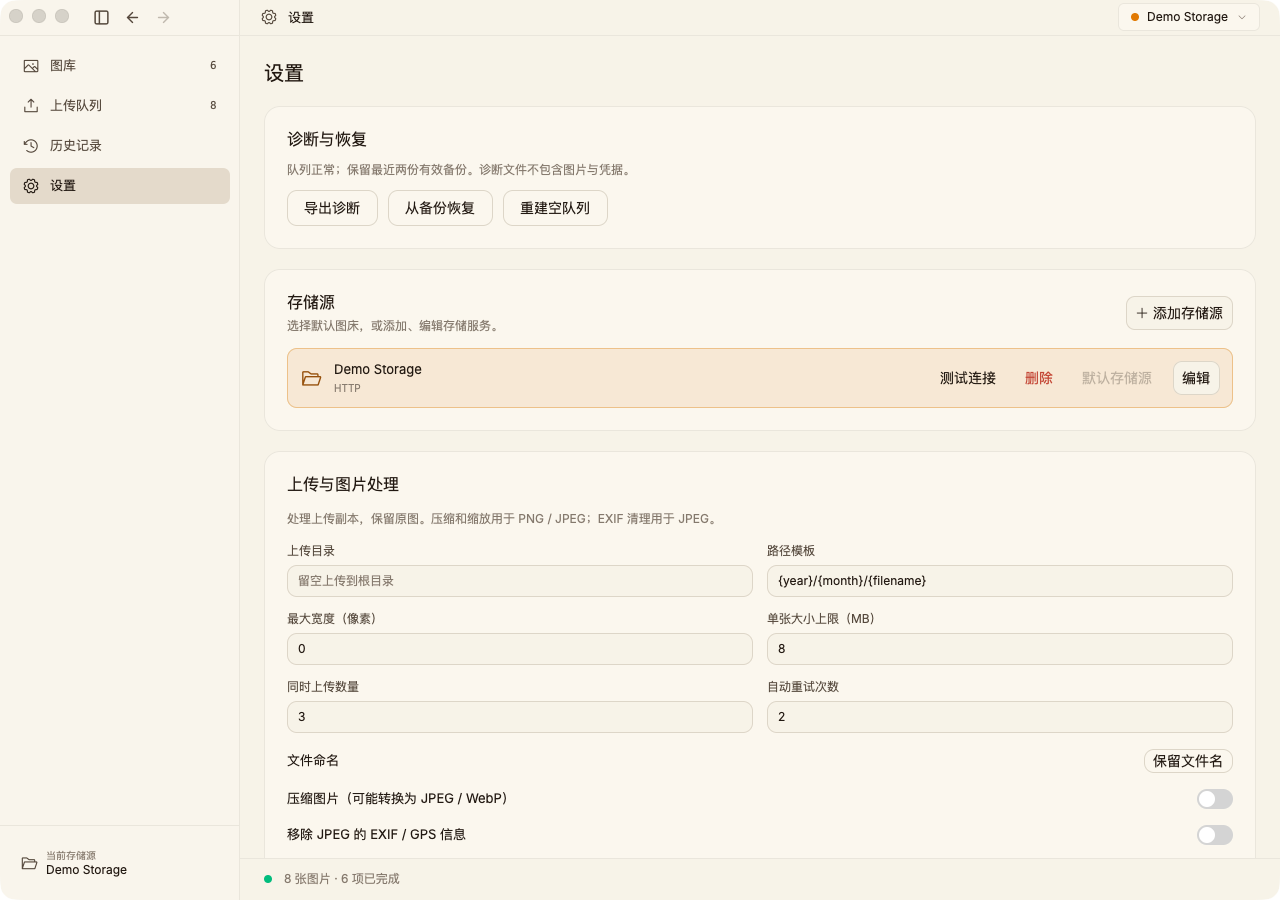
GUI and CLI are separate workflows; screenshots show the native app
Open one image to convert, compress, resize, or crop. Preview the actual result, then save, copy, or upload. Your original stays intact.
Explore the image tools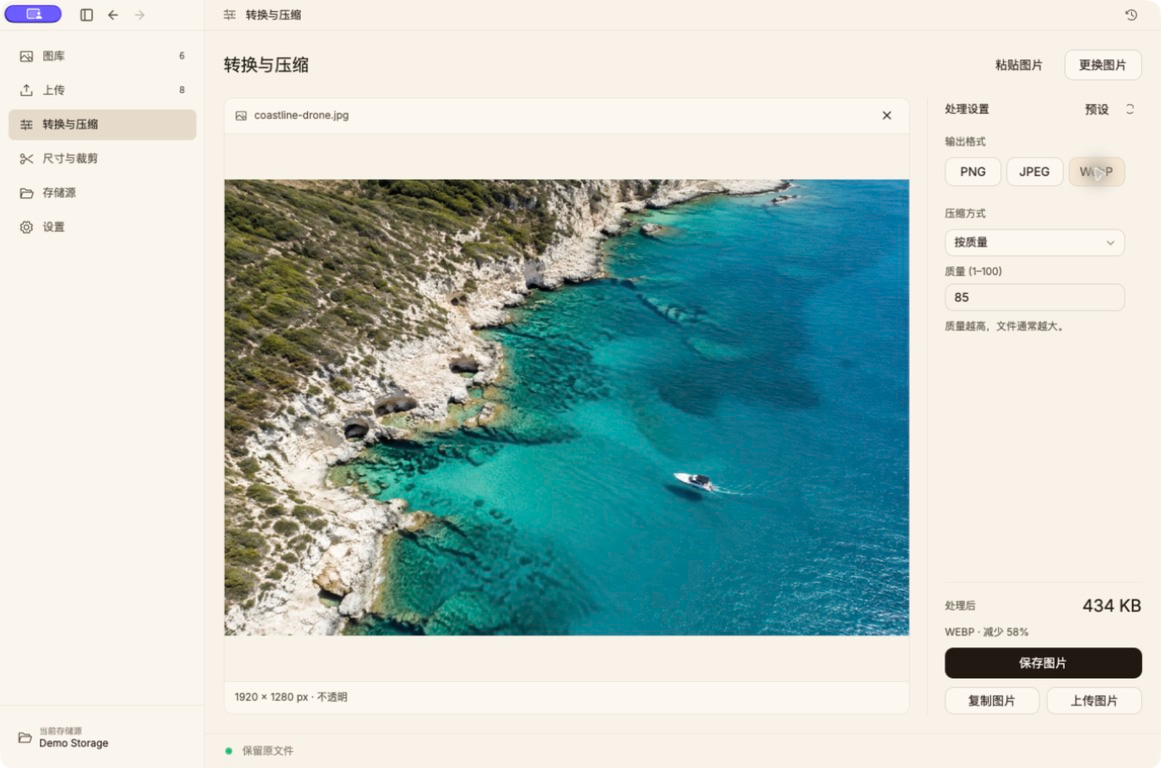
The standalone CLI works with scripts, editors, and AI agents without launching the desktop app. JSON results expose uploaded URLs and failures for subsequent tasks.
The Agent Skill supports image processing, library queries, sync status, and migration previews. Uploads reuse configured storage; remote deletion and article changes require an explicit request.
Integration guideimg upload ./assets/chart.png --format json --no-copynpx skills add liyown/img --skill img-uploaderInstall the CLI first. Local processing needs no storage setup. Uploads use existing configuration; credentials stay out of prompts.
Connect object storage, a GitHub repository, or a custom HTTP service with your existing public domain. Desktop and CLI share configuration, with provider selection per project.
Configure storageIndex existing images alongside new uploads. Search, preview, copy, and download. Clearing caches keeps library records.
Convert, compress, resize, and crop. Preview actual output size, then save, copy, or upload. No storage setup needed.
Upload screenshots or clipboard images with shortcuts. macOS also has menu-bar controls and keeps uploading when the window closes.
Sync configuration, indexes, and presets through WebDAV or S3. Cached images stay local; you decide conflicts.
Copy successful links automatically. Markdown, HTML, and BBCode are also available.
Copy to another host and verify before updating references. Review and back up each document; keep source images by default.
img combines a native desktop app and standalone CLI with shared storage configuration and image processing. The comparison covers features, package sizes, and sources for evaluating each tool against your workflow.
See the full comparison and sourcesNo. The GUI bundles the same-version CLI and can add a terminal entry point from settings. Install just the CLI if that is all you need.
Uploads go directly from your device to the storage you configure. img does not operate a shared image host. Choose your own R2, S3, OSS, GitHub, or HTTP service.
The desktop app supports macOS 13+ on Apple silicon and Intel, Windows x64, and Ubuntu 24.04 / Debian 13+ x64. The standalone CLI also supports Linux ARM64. The installation page lists current stable packages by system.
Keep supported storage services and your public domain. Add the configuration in img and verify an upload before changing your editor integration. Existing article links remain unchanged. Preview and import supported PicGo / PicList storage configuration; history and plugin runtimes are not imported.
Download the community build · No compilation